
Connect the MCP server
The MCP server lets an AI model query your Keyword Hero data directly. Ask it about your keywords, positions and landing pages, and it answers from your data rather than from general knowledge.
Time: about 5 minutes · You need: Giant Hero or above, and an MCP client
Before you start
Section titled “Before you start”- You need a client, not just a model. An MCP client is the program that connects a model to the server. Claude Desktop, Cursor, VS Code and Codex all work, with whichever model they support. Download the client from its official website rather than an app store.
- The access is read-only and limited to one project. The client can run queries against this project’s data. It cannot change anything, and it cannot see your other projects.
1. Copy the server URL
Section titled “1. Copy the server URL”-
Click the gear icon next to the project in your Keyword Hero profile.
-
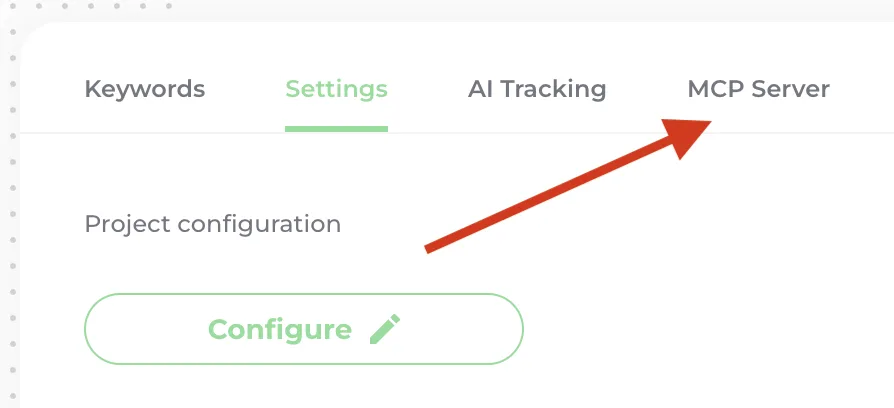
Open the MCP Server tab.
-
Double-click the URL under Your MCP Server URL to copy it.
2. Add it to your client
Section titled “2. Add it to your client”Paste the URL into your client’s MCP settings. Depending on the client, they are under Settings, then MCP Servers, Connectors or Extensions. If none of these exist, look under Preferences or Features.
Check it worked
Section titled “Check it worked”Ask the model something only your data can answer, such as Which ten keywords brought the most organic sessions last month? It should run a query and answer with your keywords. If it answers in general terms, the server is not connected; check the client’s MCP settings for an error.