
The Keyword Hero reports
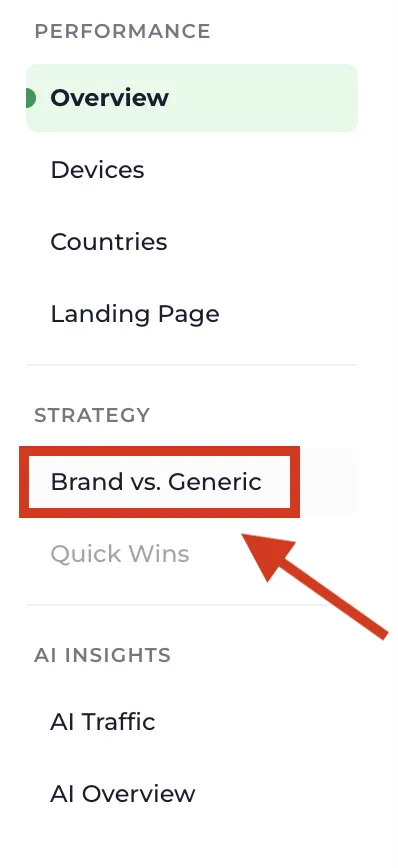
Open a project from the projects list and you land on the Overview. The menu on the left holds the other reports. Each one looks at the same keyword data from a different angle.
What every report shares
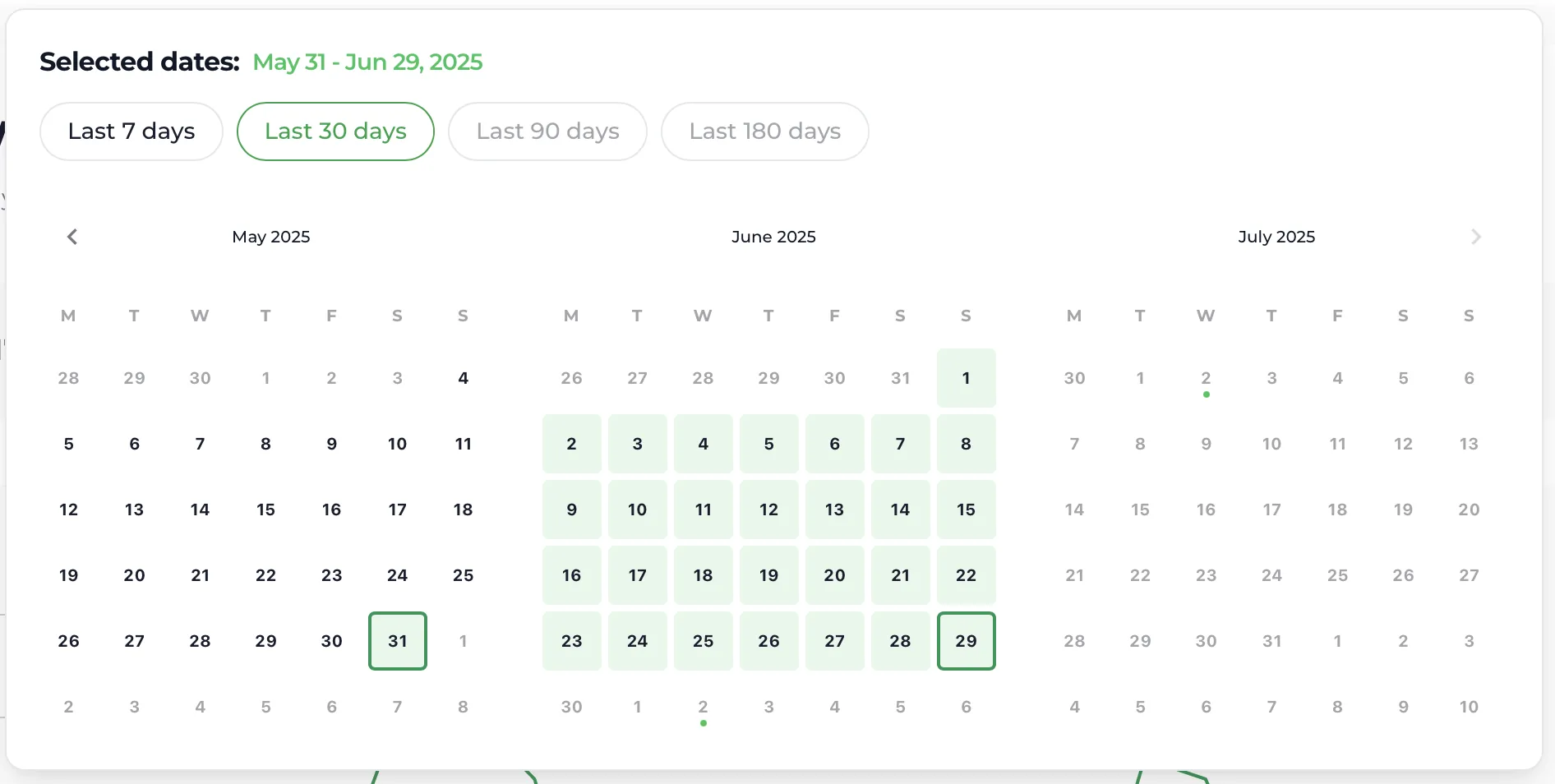
Section titled “What every report shares”The date picker, top right. The dates are real dates, with no latency. Keyword Hero only processes complete days, so the most recent days cannot be selected yet. Data freshness explains why.
Filters, in the top bar. A filter stays applied when you move to another report. Clear filters removes it.

Show Not Provided, a toggle in the top bar. Off, the tables show only matched keywords. On, they also show the sessions Keyword Hero could not match, under the labels in Keyword labels. The difference between the two totals is your match rate.
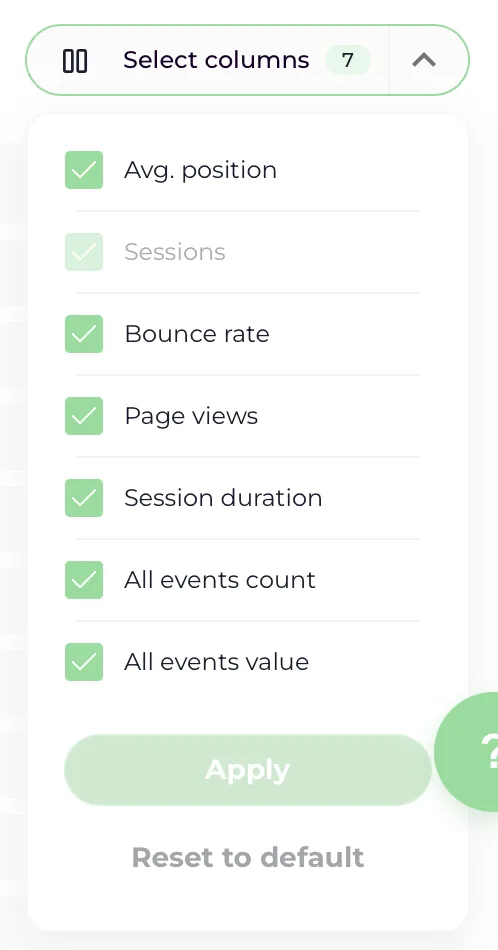
The column selector, above each table. It hides and shows columns, and it is how you choose which key events to display when you track several. The choice applies to the tables in every report.
The search intent column. Each keyword carries a letter, I, N, C or T. See Search intent.
Overview
Section titled “Overview”Which keywords bring organic traffic, and which ones convert?
Four totals for the selected period: organic keywords, organic sessions, conversions and revenue. Below them, a chart of your top five keywords, and a table of every keyword with average position, sessions, bounce rate, page views, session duration, conversions and revenue.

The table is sorted by sessions. Click any column header to sort by it instead; conversions and revenue are usually the more useful ones. See Find your money keywords.
Devices
Section titled “Devices”Do keywords perform differently on mobile, desktop and tablet?
Organic sessions and their share per device, a table of key metrics per device, and a keyword table with a toggle to switch between device types. See Compare keywords across devices.
Countries
Section titled “Countries”Where do the searches come from?
The countries with the most organic traffic, and a keyword table you can narrow to one country with All countries. See Analyze keywords by country.
Landing Page
Section titled “Landing Page”Which keywords land on which page?
Keywords grouped by the page the visitor arrived on. See Analyze keywords per page and folder.
Brand vs. Generic
Section titled “Brand vs. Generic”How much of your organic traffic did you earn, and how much did you already have?
Sessions from brand and generic searches, as absolute numbers and as a share, a table comparing their metrics, and a keyword table with a toggle between the two. See Compare brand and generic keywords.
Quick Wins
Section titled “Quick Wins”Which keywords are close to page one?
Keywords ranking just below the first page of Google. See Find quick-win keywords.
Which plan shows which report
Section titled “Which plan shows which report”Overview is in every plan. Brand vs. Generic, Devices and Countries need Big Hero or above, and search intent needs Giant Hero or above. Plans and limits has the full list.